Polaris RIDE COMMAND Garage
Through West Monroe I built the front end of Polaris's RIDE COMMAND Garage, where riders add vehicles by VIN, log maintenance and check recalls.
- Role
- Built the front end of the Garage
- Client
- Polaris, via West Monroe
Summary
RIDE COMMAND is Polaris's connected-vehicle platform for off-road vehicles and snowmobiles, with trail maps, ride tracking and group rides on the vehicle's display, in the app and on the web. Garage is the owner's area of the RIDE COMMAND website, for everything about the machine itself rather than the ride. I built its front end, consulting through West Monroe.
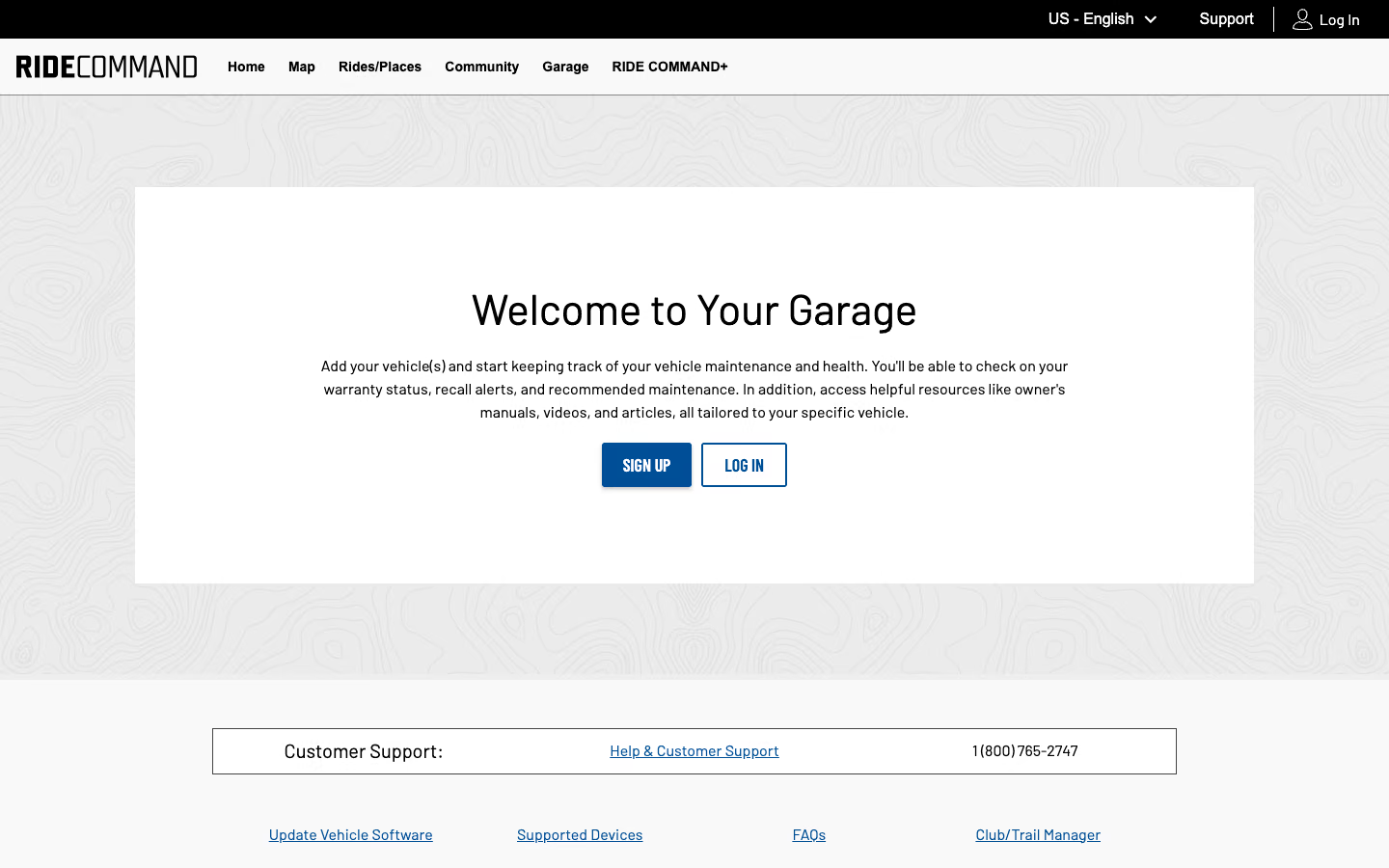
The public landing page reads "Welcome to Your Garage" and asks owners to sign up or log in. Everything else sits behind that login.
How Garage works
- An owner adds a vehicle by its VIN, or by make and model, and it joins their Garage.
- Each vehicle gets its own page with its details, owner's manuals and how-to videos for that model.
- Owners record maintenance as they do it: what was done, the miles or engine hours, and who did the work. An upcoming-service view shows what's due next against the recommended intervals.
- The same page shows warranty status and any recall alerts for that exact vehicle.
The frames above are storyboards drawn from Polaris's help docs, not screenshots.
My part
I built the front end. Garage sits behind a login, so this page describes it from Polaris's public page and help docs.